The 5x AI Super User Gap: Why Some Developers Get 5x More From AI Tools and What It Means for Your Team
A 5x AI super user is a developer who gets five times the productivity gain from AI coding tools compared to the average user on the same team, using the same tools, with the same licences. The gap isn't about talent or seniority - it's about workflow design, prompt discipline, and knowing when to let AI lead versus when to take the wheel back. And right now, most engineering teams are ignoring this gap entirely.
I've been running AI adoption workshops with engineering teams for over a year now. The pattern I see every single time: you hand 10 developers the same AI coding tool, same training session, same setup guide. Come back in 6 weeks. Two or three of them are shipping features at a pace that makes the rest of the team look like they're working part-time. The other seven? They're using it as a glorified autocomplete and wondering what the fuss is about.
The data backs this up. Faros AI's 2026 Engineering Report, which analysed telemetry from 22,000 developers across 4,000 teams, found that while AI usage increased 65% across the board, PR throughput only went up 7.76%. That's a massive adoption-to-output gap. Meanwhile, McKinsey's research on AI in software development found that top performers are six to seven times more likely than their peers to scale AI across four or more use cases - and they're seeing 16-30% productivity improvements while bottom performers barely move the needle.
So what's going on? Why does the same tool produce wildly different results across the same team?
The Numbers Are Brutal
Let's lay out what the research actually says, because the vendor marketing and the reality are two different planets.
DX's analysis puts the average organisational productivity gain from AI coding tools at roughly 10%. Not 10x. Not even 2x. Ten percent. That's across the entire team.
But drill into the distribution and it gets interesting. Docker's research on the AI productivity divide found that developers who use AI throughout the day author 4x to 10x more work than non-users during peak usage weeks. The Federal Reserve found frequent AI users save over 9 hours per week compared to occasional users.
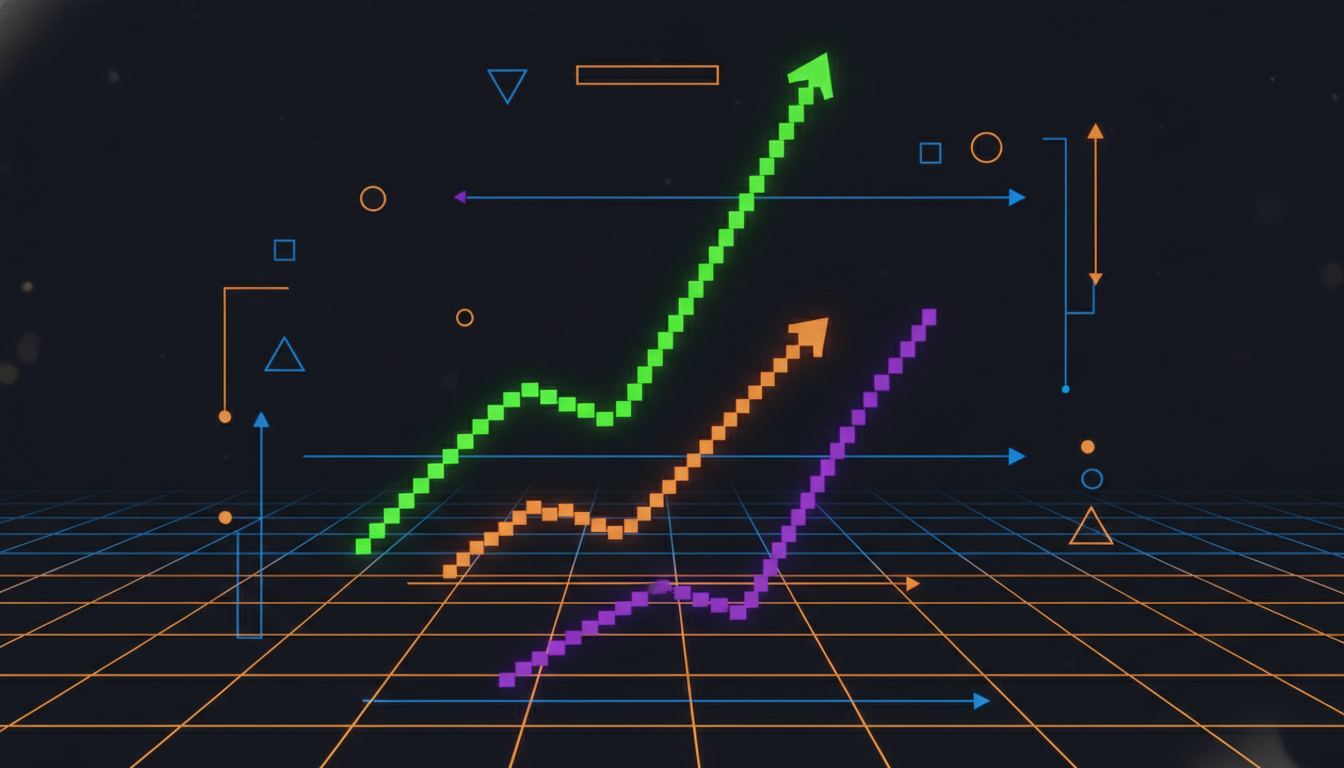
The METR study added another wrinkle: experienced open-source developers actually took 19% longer when using AI tools - but they perceived themselves as 20% faster. That's not a rounding error. That's a systematic self-deception that masks the real problem.
And then there's quality. Faros found that as AI adoption increases from low to high, the incidents-to-PR ratio jumps 242.7%. Code churn increases 861%. Some companies end up with twice as many customer-facing incidents. Others see a 50% drop. Same tools. Different outcomes.
What 5x Super Users Actually Do Differently
I've watched enough developers use AI tools to spot the patterns. The 5x developers aren't smarter. They're not using some secret prompt library. They've built specific habits that compound over time. Here are the seven I see consistently.
1. They treat AI as a junior developer, not an oracle
Average users type a vague prompt, accept whatever comes back, and wonder why their code has bugs. Super users break tasks into small, specific instructions. They give context: "Here's the schema. Here's the existing pattern in this codebase. Now write the service layer for user preferences following this pattern." They review every line. They iterate. They treat the AI output as a first draft from a junior dev - potentially useful, definitely needs review.
2. They use AI across the FULL SDLC, not just code generation
Most developers use AI for code completion. That's the autocomplete trap. Super users deploy AI across architecture brainstorming, data model validation, test generation, documentation, code review preparation, PR descriptions, deployment scripts, and debugging. McKinsey's data shows top performers are 6-7x more likely to use AI across four or more development activities. The compounding effect is enormous.
3. They know what NOT to delegate
This one's counterintuitive. The best AI users know exactly where AI falls apart and don't waste time fighting it. Authentication logic, payment flows, complex state management, security-critical paths - they write these by hand. They use AI for the repetitive, pattern-heavy work: CRUD operations, test boilerplate, data transformations, documentation. The 80/20 split is deliberate.
4. They invest in context engineering
The difference between a mediocre AI response and a brilliant one is almost always context. Super users maintain project-specific prompt templates. They feed in architecture decision records. They provide example code from the same codebase. They give the AI the full picture before asking it to code. This is what I call context engineering - and it's the single biggest lever most teams ignore.
5. They have a review workflow, not a vibes workflow
Super users don't just accept AI output and merge it. They have a structured review process: generate, review, test, refine. They run AI-generated code through the same CI/CD pipeline as human code. They use static analysis. They write tests before generating implementation code (AI is actually excellent at TDD when you give it tests first). The developers who get burned by AI are the ones who skip review.
6. They share what works with their team
This is the multiplier effect. Super users document their prompts, share effective patterns in team channels, and actively teach others. In teams where this happens, the average rises. In teams where super users work in isolation, the gap just widens. It's basic knowledge management - but most teams don't do it for AI workflows.
7. They update their tools and techniques constantly
AI coding tools change every few weeks. New models, new features, new capabilities. The developers stuck on default settings from six months ago are using a fundamentally different tool than the ones who explore each update. Super users try new features on day one. They switch between tools based on the task - Cursor for refactoring, Claude Code for complex multi-file changes, Copilot for inline completion. They're not loyal to one tool. They're loyal to results.
Why the Gap Matters More Than You Think
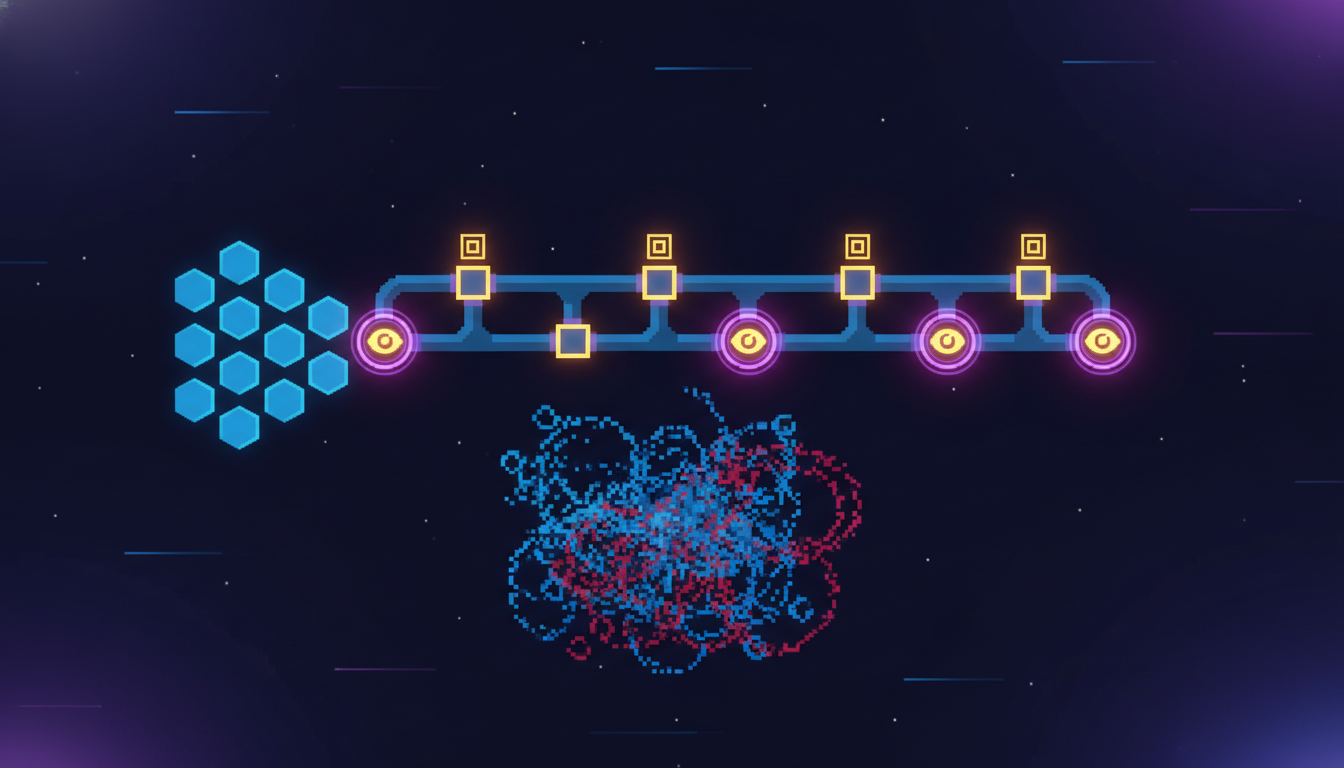
If your team has a 5x variance in AI productivity, you effectively have two teams operating at different speeds within the same sprint. That creates problems that compound quickly.
Code review becomes asymmetric. Your super users are generating PRs faster than the rest of the team can review them. Faros found PR review time jumps 91% under high AI adoption. If only a few people are generating at that pace, the review bottleneck falls disproportionately on... the super users themselves. It's a feedback loop that burns out your best people.
Estimation breaks. When some developers are 5x faster on certain tasks, your sprint planning becomes fiction. Story points based on team averages are meaningless when the variance is this wide.
And here's the hiring angle: if you're recruiting developers in 2026 and not assessing AI tool proficiency, you're making the same mistake as hiring developers in 2010 without checking if they knew Git. AI fluency is now a core skill, and the technical screening process needs to reflect that.
| Aspect | Average AI User | 5x AI Super User |
|---|---|---|
| Primary use | Code completion / autocomplete | Full SDLC: architecture, testing, docs, debugging |
| Context given to AI | Minimal - single prompt | Rich - architecture docs, examples, schema |
| Review process | Glance and merge | Structured: generate, review, test, refine |
| Tool usage | One tool, default settings | Multiple tools matched to task type |
| Knowledge sharing | Works alone | Documents prompts, shares patterns with team |
| AI boundaries | Delegates everything, including security-critical code | Clear rules: what AI handles vs what stays manual |
| Productivity gain | ~10% (DX research average) | 4-10x during peak usage (Docker/Faros data) |
| Quality impact | More bugs, higher incident rate | Fewer bugs through structured review and testing |
| Trust in AI output | Either too trusting or too sceptical | Calibrated: trusts for patterns, verifies for logic |
How to Close the Gap: A CTO's 5-Step Playbook
So.. you've identified the gap. Now what? Here's what I tell engineering leaders when they bring me in as a fractional CTO to sort out their AI adoption.
Step 1: Measure the actual distribution
Before you fix anything, you need to know where people actually are. Run a simple AI proficiency assessment - not a test, a self-assessment combined with observable metrics (prompt complexity, tool usage breadth, AI-generated code quality). Group your team into three tiers: power users, regular users, and minimal users. Most teams are shocked at the distribution.
Step 2: Pair, don't train
Traditional training (workshops, slides, videos) produces a 3-6 month learning curve before meaningful results, according to Olakai's ROI research. Pair programming between super users and average users during real sprint work is 3-4x faster. The super user shows their actual workflow in context. The average user sees the difference immediately. Budget 2-3 hours per week for this for the first month.
Step 3: Build a team prompt library
Create a shared repository of effective prompts, context templates, and AI workflow patterns specific to your codebase. This isn't a generic prompt guide from the internet - it's "here's how to generate our API endpoints following our patterns" and "here's the context template for database migrations." When super users share their exact prompts, the floor rises fast.
Step 4: Set AI-specific quality gates
AI-generated code needs specific checks that human-written code doesn't: hallucinated dependencies, hardcoded secrets, broken authorisation patterns, missing input validation. Build these into your CI/CD pipeline as automated gates. This catches the quality problems that average users create when they skip review, without slowing down your super users.
Step 5: Measure weekly, iterate monthly
Track AI tool adoption rate (target: 60-70% weekly active usage), suggestion acceptance rate (healthy: 25-40%), and most importantly, quality metrics alongside speed metrics. If PR throughput is up but incidents are up too, you've got a speed problem, not a productivity improvement. Review these numbers monthly and adjust your approach.
The Hiring Dimension: AI Fluency Is the New Git
This is where it gets really practical. If the difference between an average developer and a super user is 5x productivity on AI-assisted tasks, then AI fluency should be a weighted factor in every technical hire you make in 2026.
When we run CTO-led technical recruitment at Metamindz, we now include an AI-assisted coding segment in every senior developer assessment. Not "can you use Copilot" - that's table stakes. We assess: Can you break a complex task into effective AI prompts? Can you critically review AI output and spot the errors? Can you combine AI tools across the development lifecycle? Can you explain your AI workflow and teach it to others?
The developers who nail this segment consistently outperform in the first 90 days. It's become one of the strongest predictors of actual on-the-job performance we've seen.
| Assessment Area | Traditional Hiring (Pre-AI) | CTO-Led Hiring (AI-Aware) |
|---|---|---|
| Coding assessment | Algorithm puzzles on whiteboard | Real task with AI tools available - assess output AND process |
| Productivity proxy | Years of experience | AI fluency + structured workflow evidence |
| Quality assessment | Code review exercise | Review of AI-generated code - can they catch hallucinations? |
| Collaboration signal | Behavioural interview | How they share AI patterns, teach AI workflows to others |
| Tool knowledge | Which frameworks they know | Which AI tools they use and WHY they pick specific ones for specific tasks |
What This Means for Your Team Right Now
The 5x gap is widening, not closing. As AI tools get more powerful, the developers who know how to leverage them pull further ahead. The developers who are still using AI as autocomplete fall further behind. And the teams that don't actively manage this gap end up with two invisible sub-teams operating at completely different speeds, wondering why their velocity is unpredictable.
If you're a CTO, engineering manager, or technical founder reading this: the investment isn't in more tool licences. It's in structured adoption. Pair your super users with your average users. Build shared knowledge bases. Measure the distribution. And for hiring - assess AI fluency with the same rigour you assess system design or coding ability.
If you need help getting this right, that's literally what our AI adoption for tech teams service exists for. We come in, assess your team's AI maturity individually, design workflows matched to your stack, and run hands-on training with your actual sprint work. No slides. No generic prompt guides. Real engineering with real AI tools on your real codebase.
The gap between your best and average developers just became the most important metric you're not tracking.
Frequently Asked Questions
What is a 5x AI super user developer?
A 5x AI super user is a developer who achieves roughly five times the productivity gain from AI coding tools compared to their average teammate. Research from Docker and Faros AI shows that during peak usage periods, these developers author 4-10x more work than average AI users on the same team, using the same tools and licences.
Why do AI coding tools only deliver 10% average productivity gains?
The 10% average masks an enormous variance. Most developers use AI tools as basic code completion, which delivers modest gains. The average is dragged down by low adoption depth, poor prompting practices, and lack of structured review workflows. Teams with strong AI governance and training consistently outperform this average by 3-5x, according to McKinsey's 2026 research.
How do you measure AI tool productivity for individual developers?
Effective measurement combines tool usage breadth (how many SDLC activities involve AI), suggestion acceptance rates (healthy range: 25-40%), code quality metrics for AI-assisted output (incident rates, bug counts), and workflow evidence (prompt complexity, context richness). Avoid relying solely on lines of code or PR count - these metrics reward volume over value.
Should we hire for AI fluency in 2026?
Yes. AI fluency is now a core engineering competency, similar to version control proficiency a decade ago. Include an AI-assisted coding segment in technical interviews that assesses prompt engineering skill, critical review of AI output, multi-tool workflow design, and the ability to teach AI patterns to teammates. Developers strong in these areas consistently outperform in the first 90 days.
How long does it take to close the AI super user gap on a team?
With structured pair programming between super users and average users, shared prompt libraries, and AI-specific quality gates, most teams see measurable improvement within 4-6 weeks. Full adoption maturity - where most of the team operates at high proficiency - typically takes 3-6 months with dedicated support and ongoing measurement.