
Case Study: how we enabled a non-technical founder to build his own marketing website
Zero to production in a week: how we enabled a non-technical founder to build his own marketing website
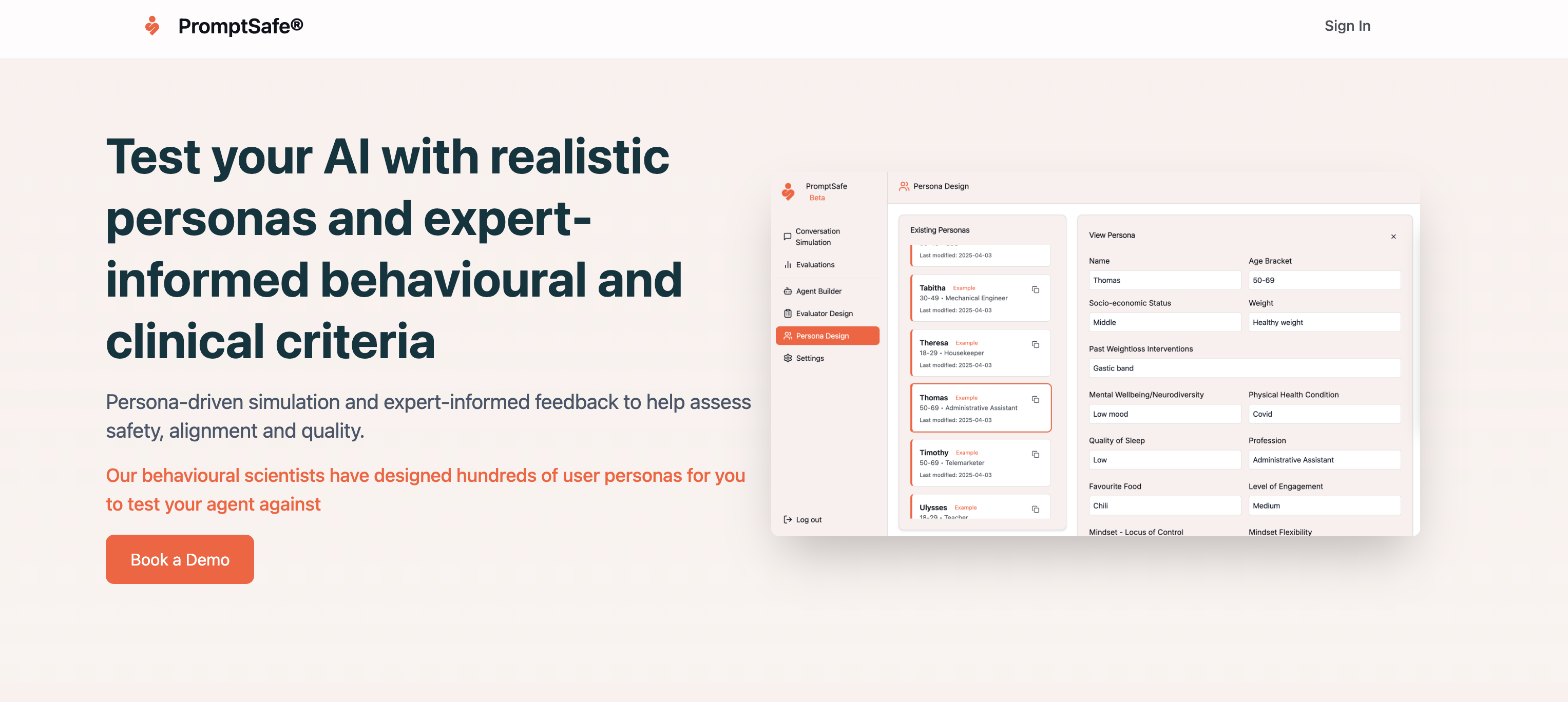
A week. The bulk of it inside the first four days. That is how long it took Dr Paul Sacher, the non-technical founder of PromptSafe, to build and ship a production marketing website at prompt-safe.com.
Here's the catch. Paul did not use a no-code builder, and we did not write the code for him.
Instead, we paired focused training sessions with custom developer guardrails. We taught Paul how to work inside Claude Code Desktop, then wrapped git in five plain-English slash commands and locked the repo down with hooks, deny rules, and an AI code reviewer. Once that scaffolding was in place, we stepped back and let the founder build.
A small live example of the guardrails at work: while drafting this very blog post, the AI agent tried to save the file straight to main. A repo hook blocked it instantly with the message "Blocked: you are on 'main'. We never edit files directly on main. Run /new-feature to start on its own branch first." That is exactly the kind of silent footgun we wanted closed off, and the kind of moment Paul never has to think about.
Here is how the stack, the workflow, and the guardrails fit together.
The stack
We wanted version control, pull requests, and a stack our team already understood, so the marketing site could one day share components with the main product app. That ruled out Webflow and Framer.
- Next.js 15 App Router, deliberately pinned at 15 and never auto-upgraded, so the agentic coding tools Paul uses always have full training coverage of the version in front of them.
- React 19, for the modern async primitives and server-component defaults.
- Tailwind v4, CSS-first config, fast compile, no JS runtime.
- shadcn/ui, so Paul could assemble accessible components without a designer in the loop.
- A dedicated repository, fully decoupled from the core product app.
Git on autopilot: five workflow commands
A terminal prompt is a recipe for anxiety if you are a non-technical founder. Branch management, rebases, force-pushes gone wrong - unnecessary overhead that needs to be removed. So we wrapped every git workflow in five custom Claude Code slash commands. Each one lives in .claude/commands/ as a markdown instruction file the assistant reads at runtime.
/new-featureverifies a clean working tree, switches tomain, fast-forwards from origin, pulls the task title and tags from ClickUp over MCP, infersfeature/bug/chorefrom the labels, and creates a branch named{type}/CU-{taskId}. Refuses to proceed if the task is not taggedvibe coding./resume-featurepicks up where Paul left off, switches back to the branch, fast-forwards it, and gives a plain-English recap of the last commit and what's changed versus main./deploy-featureruns the full quality gate (Prettier, ESLint, TypeScript), auto-fixes what it can, translates anything left over into plain English, commits with a Conventional Commits message linked to the ClickUp ID, pushes, and opens a pull request with a review checklist body. Vercel posts the preview link within a minute./greptile-loopingests Greptile's PR review comments, restates each finding in one plain-English sentence, applies fixes, re-runs the gates, and pushes again. The goal is to get to a 5/5 confidence score./sync-mainreturns Paul tomainafter a merge, ready for the next task. This command is mostly used by agents.
Two consistent design rules across all five: never auto-stash, never auto-resolve, never guess at recovery, because the worst possible outcome is silently losing Paul's work. And translate every error into plain English, so that Paul can understand what went wrong and take corrective action without needing to read a stack trace or try to read the code.
CLAUDE.md: the source of truth
Slash commands tell Claude how to work. CLAUDE.md at the repo root tells it what is true about this project. It is loaded into every conversation automatically and is authoritative on:
- Audience and positioning: who PromptSafe is for, what it is not.
- Voice rules: Applies to every word the assistant writes: chat replies, commit messages, PR bodies, marketing copy.
- Hard rules: never push to
main, no--force, no--no-verify, never editpnpm-lock.yamlby hand, never commit secrets, never cross into the product-app repo, etc.
When Paul is editing copy, Claude already knows that "color" should be "colour" and that the word "leverage" is banned. That removes an entire category of correction loops. These rules were drafted together with Paul and we baked them into the repository setup.
Setting up the guardrails
Vibe coding without boundaries is dangerous. Left unchecked, an AI assistant can write code that compiles locally but breaks in production, or quietly do something destructive in the terminal. We layered the safeguards:
- Tool permissions (
.claude/settings.json) split every command intoallow,ask, anddeny. Reads, formatting, builds, and standard git commands are auto-allowed. Anything that could lose work (rm -rf,git reset --hard,gh pr merge, dependency changes) requires Paul's explicit confirmation. Force-pushes, package-manager swaps, and edits to GitHub workflows orpnpm-lock.yamlare flatly denied. - A PreToolUse hook (
block-main-edits.sh) is the hard backstop, and the one that fired on this very post. If Claude is onmainand tries to Edit, Write, commit, push, or add, the hook exits with code 2 and refuses the action. Belt and braces, in case prompt-level rules ever drift. - Quality gates inside
/deploy-featurerun Prettier, ESLint, andtsc --noEmitand refuse to push until clean. Pre-commit hooks (simple-git-hooks+lint-staged) re-run them on every commit so nothing dirty ever lands. - Greptile reviews every PR with a 1-to-5 confidence score. 5/5 can be merged immediately. 4/5 should be analysed and ideally fixed. Anything lower runs through
/greptile-loop. Worth mentioning that Greptile was also pre-configured by us with custom instructions and specifics about working with a non-technical founder. - A keep-current trigger inside
/deploy-feature: if a PR adds an external service, changes an env var, or bumps a core dependency, the command updatesdocs/architecture.mdin the same commit. The architecture diagram never goes stale.
A week to production
On day one, Paul ran /new-feature for the first time. By the end of day four, the home page, header, footer, hero, problem section, social proof, comparison, and pricing structure were all live. Through the rest of the week he iterated on copy, ran a designer review pass, added the cookie consent banner, hooked up PostHog, and shipped the legal pages.
Every change followed the same shape: pick a ClickUp task, /new-feature, describe what he wanted in product terms, watch the Vercel preview on his phone and laptop, run /deploy-feature, check Greptile review, merge. When something looked off, he ran /greptile-loop and let Claude resolve the findings.
Across that week: 56 pull requests merged, every one of them through the same automated gates, every one of them with a 5/5 Greptile score before merge.
What we learned
Shifting our role from code writers to guardrail architects unlocked three things:
- No developer bottlenecks. Paul could update copy, tweak layout, or add new pages without waiting on our engineering schedule.
- A production-grade codebase. Fully type-safe, responsive, Lighthouse 90+ across the board. Broken code never reached production because the gates would not let it.
- An undistracted product team. Metamindz stayed focused on the core PromptSafe app, knowing the marketing site was safe to leave in Paul's hands.
The future of software is about building the right systems and guardrails so the people closest to the product can ship their own ideas, safely, every day.
Let us set up your production-ready vibe-coding environment
Let's have a 30-min chat. Tell us about what you're trying to build. We'll suggest ways for you to do so by yourself, without reliance on developers, and with the right guardrails, tools, and environments for a safe vibe-coding experience.
Book a free call