
How to run Claude Code with the lid closed (overnight and remote)
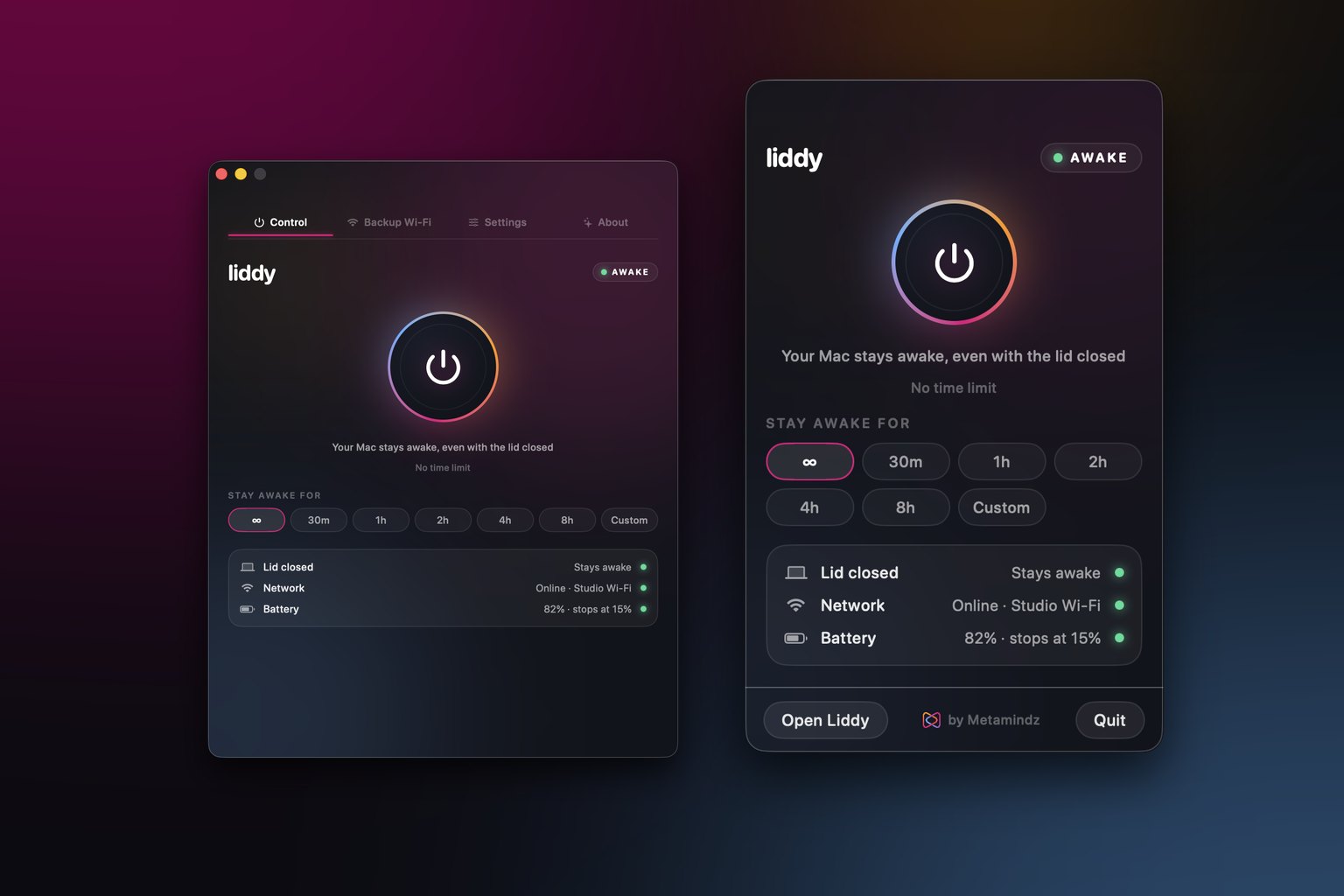
Claude Code runs as a process on your Mac, so it stops making progress the moment your Mac sleeps, and closing a MacBook lid puts it to sleep. To run Claude Code with the lid closed, you need three things: something that keeps the Mac awake with the lid shut, a session that survives you closing the terminal (tmux or a background session), and an internet connection that does not drop. Then you can check in from your phone with Remote Control or over SSH.
Last updated: 22 November 2026
I run long agent jobs most evenings: big refactors, test clean-ups, dependency upgrades. I give Claude Code a well-scoped task, close the laptop and go and live my life. For a long time "close the laptop" was the bit that broke everything. This is the setup I actually use, with the official docs linked for every Claude Code detail.
The same principles apply to any coding agent that runs locally on your Mac, such as Codex CLI or Cursor's agents. If the agent's process lives on your machine, your machine has to stay awake and online.
Why does Claude Code stop when I close the lid?
Because the Mac goes to sleep, and a sleeping Mac runs nothing. Anthropic says this directly in its docs for scheduled tasks in the Claude Code Desktop app: tasks only run while your computer is awake, and even with the app's Keep computer awake setting turned on, "Closing the laptop lid still puts it to sleep." [1]
A few details matter here:
- Claude Code itself runs locally. The model runs in Anthropic's cloud, but the agent loop, file edits and shell commands run on your Mac. Claude Code's own setup page lists "internet connection required" as a system requirement [2].
- Sleep pauses, it does not always kill. Claude Code's background sessions are preserved when the machine sleeps and resume on wake [3]. That is helpful, but a task that "resumes on wake" made zero progress overnight.
- Remote Control needs the machine on. Anthropic's Remote Control docs say your computer has to stay on and the
claudeprocess has to keep running [4].
So the job is to stop the Mac sleeping, keep the process alive, and keep it online.
How do I keep my Mac awake with the lid closed?
macOS gives you two built-in routes and neither is perfect for this:
| Option | Lid closed? | On battery? | Needs a display? | Notes |
|---|---|---|---|---|
caffeinate -i |
No | Yes | No | Stops idle sleep while the lid is open [5] |
caffeinate -s |
No | No (AC only) | No | "Valid only when system is running on AC power" [5] |
| Apple closed-display mode | Yes | Apple says connect power | Yes, plus keyboard and mouse | The officially supported way [6] |
sudo pmset -a disablesleep 1 |
Yes | Yes | No | Undocumented, needs admin, easy to forget to undo |
| Liddy | Yes | Yes | No | Free menu bar app, restores sleep when off |
Option 1: leave the lid open and use caffeinate
If you can leave the lid open, caffeinate is built in and free. Run your agent under it so the assertion lasts exactly as long as the job:
caffeinate -i claude
When claude exits, caffeinate exits too and normal sleep comes back. I go through every flag in my caffeinate command guide. The limitation is the lid: caffeinate prevents idle sleep, and closing the lid is a different trigger.
Option 2: closed-display mode with a monitor
If you have an external display, keyboard and mouse, Apple supports working with the lid closed. Apple's guidance is that a closed Mac laptop driving a display should be connected to power and using an external keyboard and mouse [6]. Great at a desk, useless on a sofa or a train.
Option 3: pmset disablesleep
sudo pmset -a disablesleep 1 stops the Mac sleeping at all, lid closed or not. It is not in the pmset man page, it needs admin rights, and you must undo it with sudo pmset -a disablesleep 0. If you forget, your Mac will not sleep in your bag next week. I cover the risks in how to keep a Mac awake with the lid closed.
Option 4: Liddy
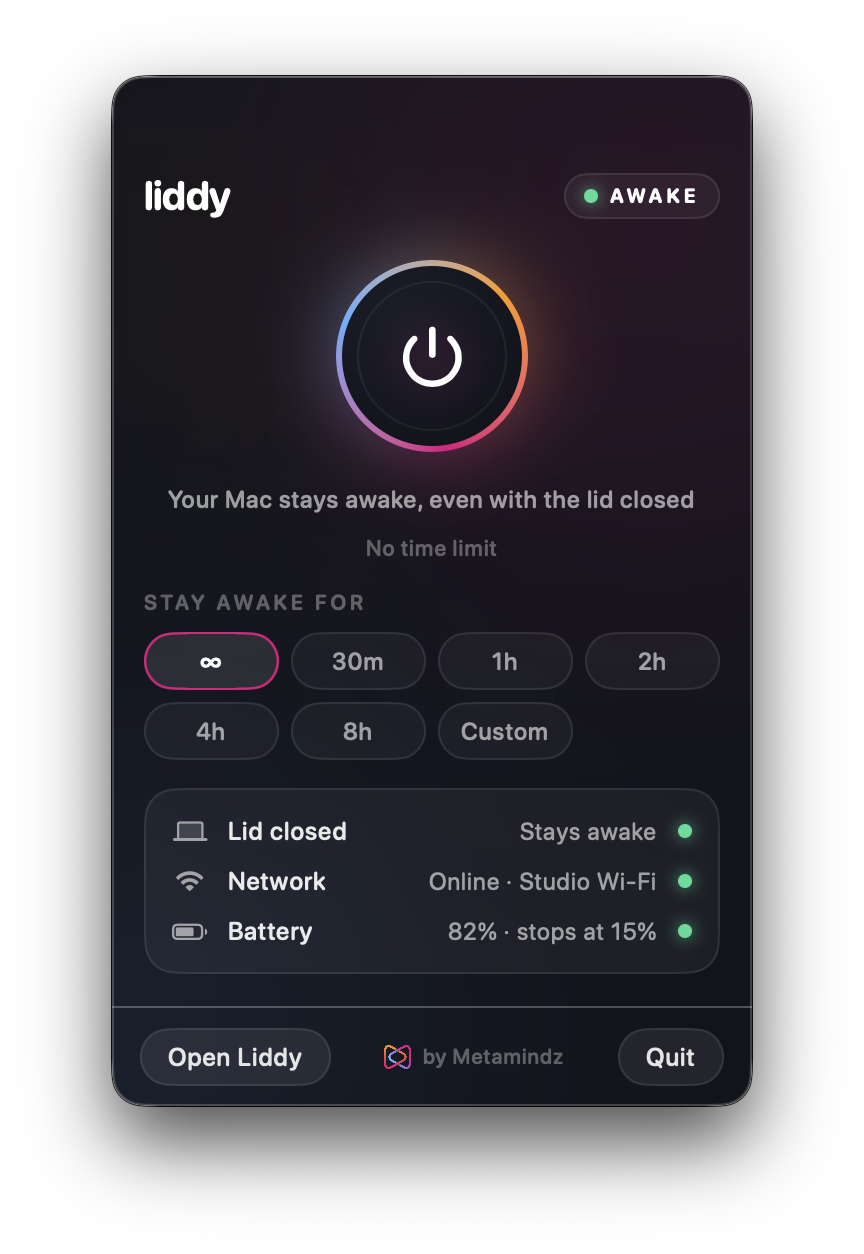
This is why we built Liddy, a free macOS menu bar app. It keeps a MacBook awake with the lid closed, on battery, with no external display. Under the hood it uses a small helper (approved once in System Settings) that runs the same pmset disablesleep setting while Liddy is on, and puts normal sleep back when you turn it off, quit, if the app crashes, or when the Mac restarts. You do not have to remember to undo anything.
For agent work, the timer and battery cut-off are the useful bits. A 4h or 8h timer covers an overnight run, and the battery cut-off (15% by default) turns Liddy off on battery before the Mac runs flat.
How do I keep the Claude Code session alive if the terminal closes?
Keeping the Mac awake is half of it. The other half is making sure the claude process does not die when you close a terminal window, a tab crashes, or your SSH connection drops. There are two good ways.
Use tmux
tmux keeps programs running inside a session that you can detach from and reattach to later [7]. Install it with Homebrew [8], then:
- Start a named session in your project folder:
tmux new -s claude - Run
claudeinside it and give it the task. - Detach with
Ctrl+bthend. tmux prints that you detached from the session, and Claude Code keeps working [7]. - Later, reattach from any terminal (including over SSH) with
tmux attach -t claude[7].
Anthropic recommends exactly this for remote machines: if you run claude from a terminal on a remote machine, start it inside tmux or screen so the session keeps running after you disconnect from SSH [4]. Anthropic also documents a few ~/.tmux.conf lines that fix Shift+Enter and notifications inside tmux [9].
Use Claude Code background sessions
Claude Code has its own background sessions. You can start one from the shell with claude --bg "<prompt>", or run /bg inside a session you already have open, and manage them all with claude agents [3]. Each background session keeps running without a terminal attached. Anthropic labels agent view as a research preview, so expect the interface to change [3].
I still use tmux for most jobs because it works for any command-line tool.
How do I check on Claude Code remotely?
You have two practical options once the Mac is awake and the session is alive.
Remote Control from your phone or browser
Remote Control connects claude.ai/code or the Claude mobile app to a Claude Code session running on your machine. Your code and files stay on your Mac; the phone is a window into that local session [4]. You can start it three ways [4]:
claude remote-control(server mode, aliasclaude rc), which waits for remote connections and can show a QR code.claude --remote-control(or--rc) for a normal interactive session that you can also drive remotely./remote-control(or/rc) inside a session that is already running.
Remote Control is available on Pro, Max, Ultra, Team and Enterprise plans, and API keys are not supported [4]. With it on, Claude can also send push notifications to your phone when a long task finishes or needs a decision [4].
SSH into your Mac
If you prefer a terminal, turn on Remote Login in System Settings > General > Sharing, then ssh username@hostname from another machine [10]. Attach to your tmux session and you are looking at the live Claude Code session. Apple notes that allowing remote login can make your Mac less secure [10], so limit it to your own user and turn it off when you do not need it.
What happens if the Wi-Fi drops overnight?
The Mac is awake, the session is alive, and the router reboots at 3am.
Anthropic documents what Remote Control does when the machine is awake but offline [4]:
- Interactive session: Claude Code keeps retrying for as long as the outage lasts and reconnects on its own.
- Server mode: Claude Code gives up after roughly 10 minutes and the
claude remote-controlprocess exits.
Either way, the agent itself cannot call the model while offline, so the work stops until the connection is back. The fix is to make sure you get back online quickly:
- Plug in Ethernet if you can. Boring and reliable.
- Keep a backup network ready. An iPhone Personal Hotspot works, but the Mac will only see it over Wi-Fi when "Allow Others to Join" is on [11].
- Automate the switch. Liddy has backup Wi-Fi failover while it is on: it checks real internet access every 30 seconds, and after 15 seconds offline it tries your backup networks in your chosen order and notifies you when it switches. It cannot turn your iPhone's hotspot on for you (Apple offers no way to do that), so leave it on with "Allow Others to Join" enabled. More on this in how to make a Mac auto-connect to an iPhone hotspot.
Is it safe to leave a closed MacBook running all night?
Mostly yes, if you are sensible about heat, power and what the agent is allowed to do.
Heat and power
- Plug it in for long jobs. Liddy works on battery, but an eight-hour build on battery is asking for trouble. If you do run on battery, set a battery cut-off.
- Give it air. Hard, flat surface. Never in a bag, under a pillow or on a duvet while it is working.
- Set a timer rather than "unlimited" when you know roughly how long the job takes. Liddy's timer goes from 30 minutes to 24 hours.
Agent permissions
An unattended agent is the moment to think about permissions properly. Claude Code's permission modes decide what it can do without asking [12]:
default(Manual) asks before most edits and commands. Safe, but an unattended session will just sit waiting for you.acceptEditsauto-approves file edits and common filesystem commands.autolets a classifier review actions instead of you; Anthropic describes it as suited to long tasks [12].bypassPermissionsapproves everything, and Anthropic's own table says it is for "isolated containers and VMs only" [12]. Do not use it on your laptop with your SSH keys and production credentials sitting on disk.
Two habits that save me regularly:
- Work on a branch and review the diff in the morning like any other pull request. AI-written code still needs a human review before it ships.
- Know how to roll back. Claude Code checkpoints its file edits, and
/rewind(or pressing Esc twice on an empty prompt) opens the rewind menu [13]. Git is still your real safety net, so commit before you start.
My overnight checklist
- Commit everything and create a branch for the task.
- Plug in power and put the Mac on a hard surface.
- Turn on Liddy with a timer (or leave the lid open with
caffeinate -i). - Make sure a backup network is configured.
tmux new -s claude, startclaudewith a clear, scoped prompt and a sensible permission mode.- Turn on Remote Control if you want push notifications.
- Detach, close the lid, go to bed.
- In the morning: review the diff, run the tests yourself, merge or bin it.
Rolling agents out across a whole engineering team? That is the kind of thing we help with through our CTO-as-a-service work.
Download Liddy free: macOS 14 Sonoma or later, Apple silicon and Intel, no account or subscription.
Sources
- Anthropic, Schedule recurring tasks in Claude Code Desktop: https://code.claude.com/docs/en/desktop-scheduled-tasks
- Anthropic, Claude Code setup (system requirements): https://code.claude.com/docs/en/setup
- Anthropic, Manage multiple agents with agent view: https://code.claude.com/docs/en/agent-view
- Anthropic, Continue local sessions from any device with Remote Control: https://code.claude.com/docs/en/remote-control
- Apple, caffeinate(8) manual page (run
man caffeinatein Terminal) - Apple Support, If your external display is dark or low resolution: https://support.apple.com/en-us/102501
- tmux wiki, Getting Started: https://github.com/tmux/tmux/wiki/Getting-Started
- tmux wiki, Installing: https://github.com/tmux/tmux/wiki/Installing
- Anthropic, Configure your terminal for Claude Code: https://code.claude.com/docs/en/terminal-config
- Apple Support, Allow a remote computer to access your Mac: https://support.apple.com/guide/mac-help/allow-a-remote-computer-to-access-your-mac-mchlp1066/mac
- Apple Support, Connect to the Personal Hotspot of an iPhone or iPad: https://support.apple.com/en-us/111785
- Anthropic, Choose a permission mode: https://code.claude.com/docs/en/permission-modes
- Anthropic, Checkpointing: https://code.claude.com/docs/en/checkpointing
Frequently asked questions
Does Claude Code keep running when my Mac sleeps?
No. Claude Code runs on your Mac, so nothing happens while the Mac is asleep. Anthropic's docs say background sessions are preserved through sleep and resume on wake, but they make no progress in between. To keep working overnight, stop the Mac sleeping.
Can caffeinate keep Claude Code running with the lid closed?
Not on its own. caffeinate -i stops idle sleep while the lid is open, and -s only works on AC power. With the lid closed and no external display, you need pmset disablesleep or an app like Liddy that manages it for you.
Do I need tmux if I use Claude Code background sessions?
Not strictly. claude --bg and claude agents let Claude Code sessions run without a terminal attached. tmux works for any command-line tool, and Anthropic recommends tmux or screen when you run claude over SSH.
Can I control Claude Code from my phone?
Yes, with Remote Control. Run claude remote-control, claude --remote-control, or /remote-control in an existing session, then open the session in the Claude mobile app or at claude.ai/code. It needs a Pro, Max, Ultra, Team or Enterprise plan, and your Mac has to stay on and online.
What happens to Claude Code if my internet drops overnight?
The agent cannot reach the model, so work pauses. Per Anthropic's docs, an interactive Remote Control session keeps retrying and reconnects when the network returns, while server mode exits after roughly 10 minutes offline. A backup network, or Liddy's automatic Wi-Fi failover, keeps the gap short.
Is it safe to run Claude Code unattended?
It can be, if you limit what it can do. Use a branch, commit first, pick a permission mode such as acceptEdits or auto rather than bypassPermissions, and review the diff before merging. Anthropic says bypassPermissions is for isolated containers and VMs only.